
Can I export my FAQ/Article content?
You can now export your FAQs/Article content via MyMalcolm. This can be useful for archive/backup purposes or to assist in the transfer of content to a different platform.
There are two ways to export your content:
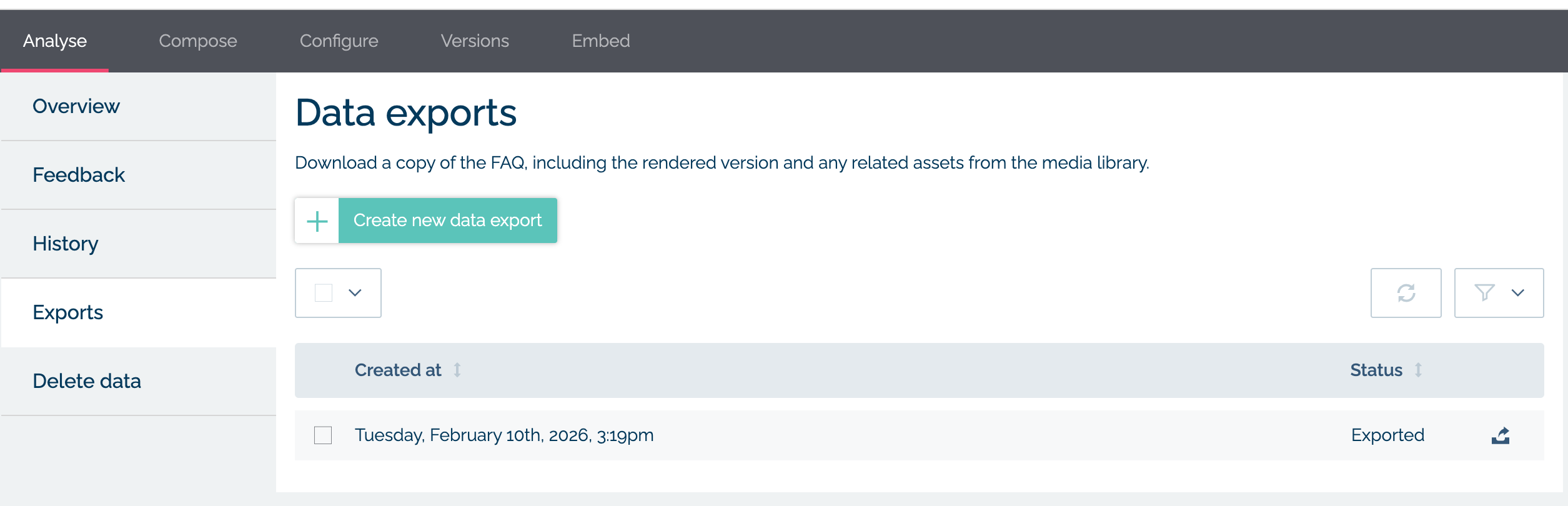
- You can export the content for an individual FAQ/Article via FAQs --> Library --> The FAQ in question --> Analyse --> Exports
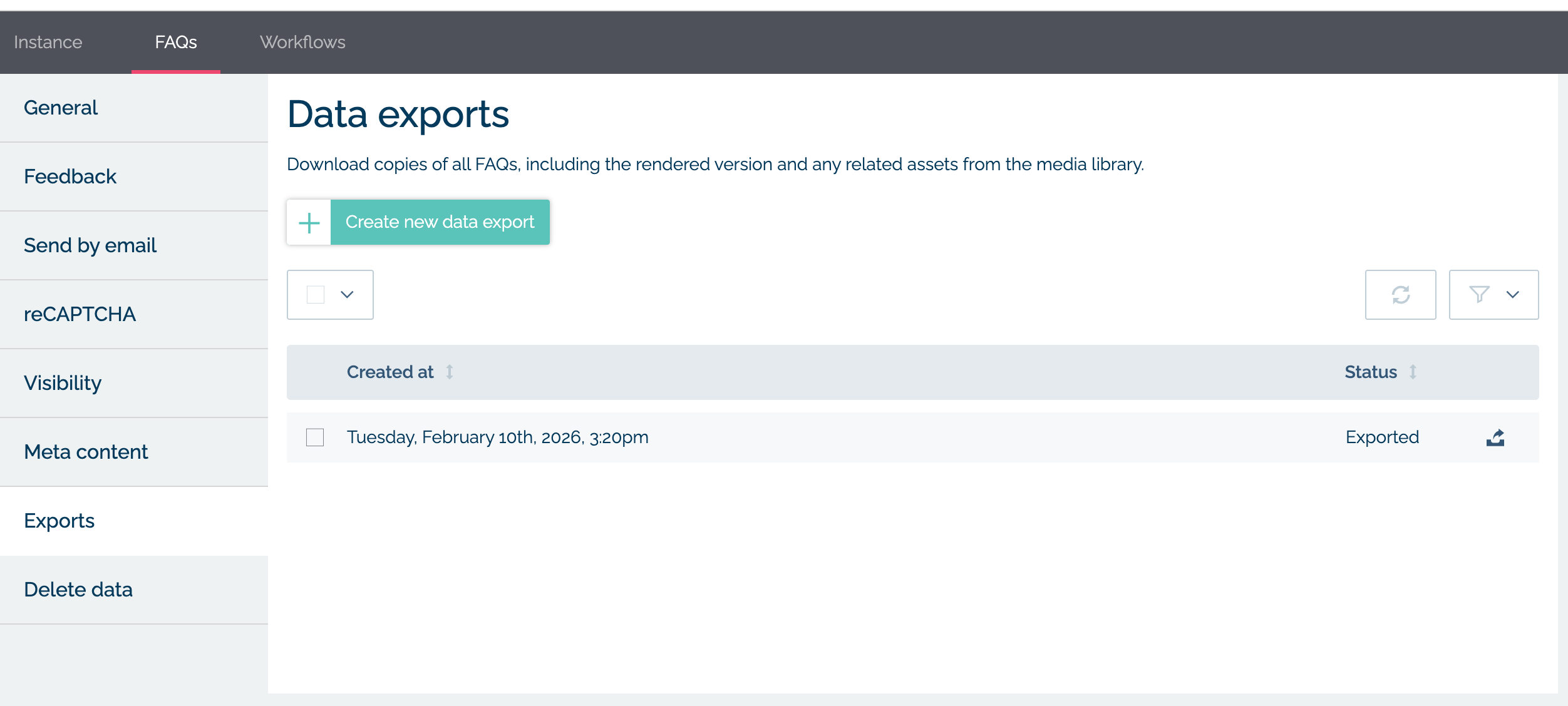
- You can export the content for all FAQs/Articles via Settings --> FAQs --> Exports
An export will contain:
- An HTML file for each FAQ/Article
- A "flattened" file containing the markdown for each FAQ/Article
- Associated images or files that have been uploaded into MyMalcolm and are referenced in the FAQ/Article
- A data.csv which contains various meta information and the markdown content for all versions of the FAQs/Articles included in the export
Please note:
- The HTML, markdown and assets provided will reflect the current live/published version of the FAQ/Article
- In the case of there only being a draft (no published versions) the HTML, markdown and assets provided will reflect the draft
- If there are published versions one of which is live and there is also a new draft in progress the HTML, markdown and assets will reflect the current live/published version