
Can I export data from all my Workflows?
You can export all the data that has been submitted via Workflows anytime via MyMalcolm.
The instructions below are for a batch export of all your data from all your Workflows. See this FAQ for information on how to do this on an individual Workflow basis instead (The individual option also allows you to do a partial export by date range).
To bulk export data from all Workflows simply navigate to Settings --> Workflows --> Exports
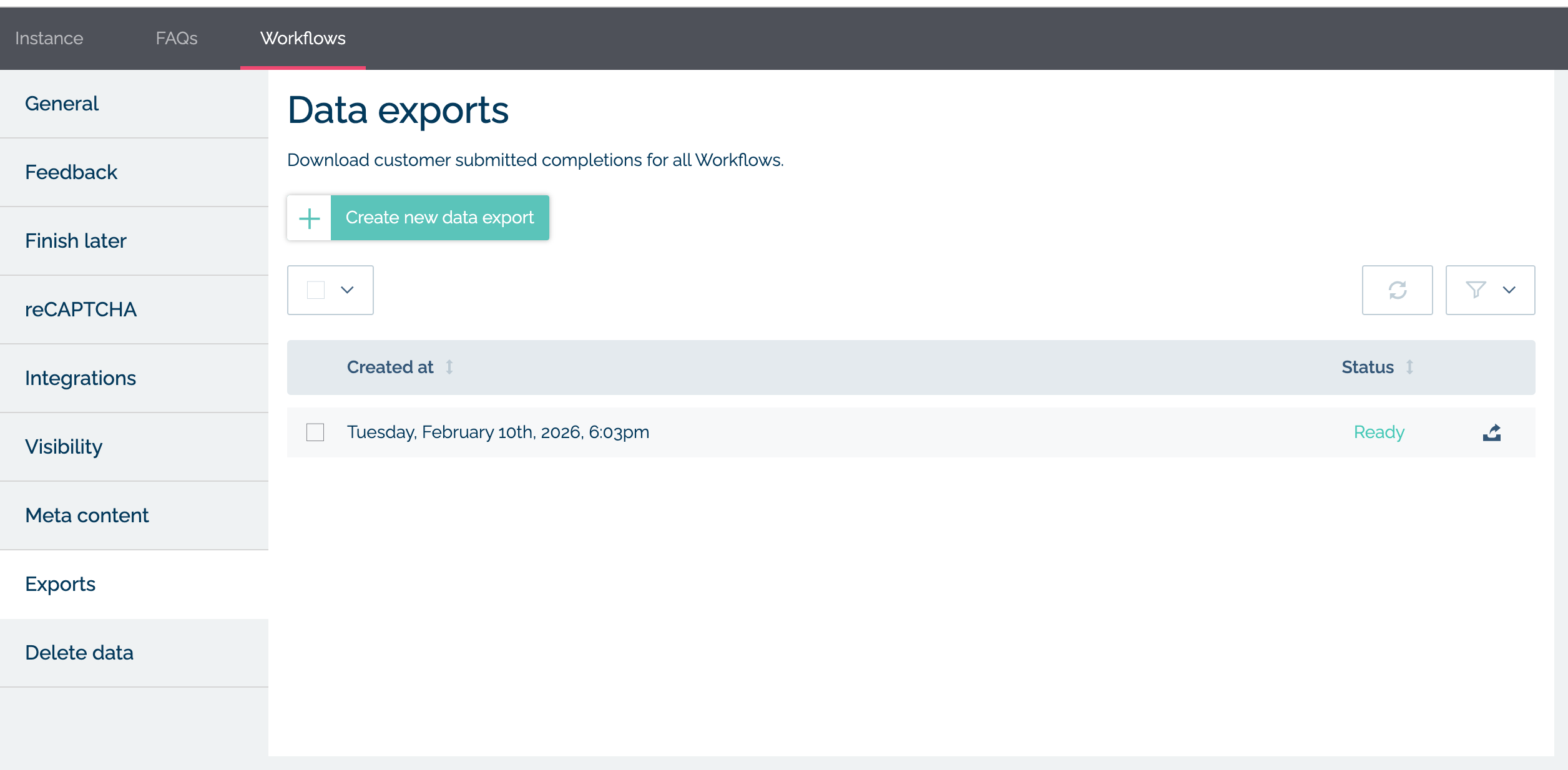
Then click "Create new data export". You can choose if you want to include any files uploaded via Workflows and any incomplete Workflows or not.
An export task will be created and will run in background. If you have a lot of data this may take some time to complete. You can hit the refresh icon for an update and if you have email notifcations enabled you will be sent an email when the archive is ready for download.